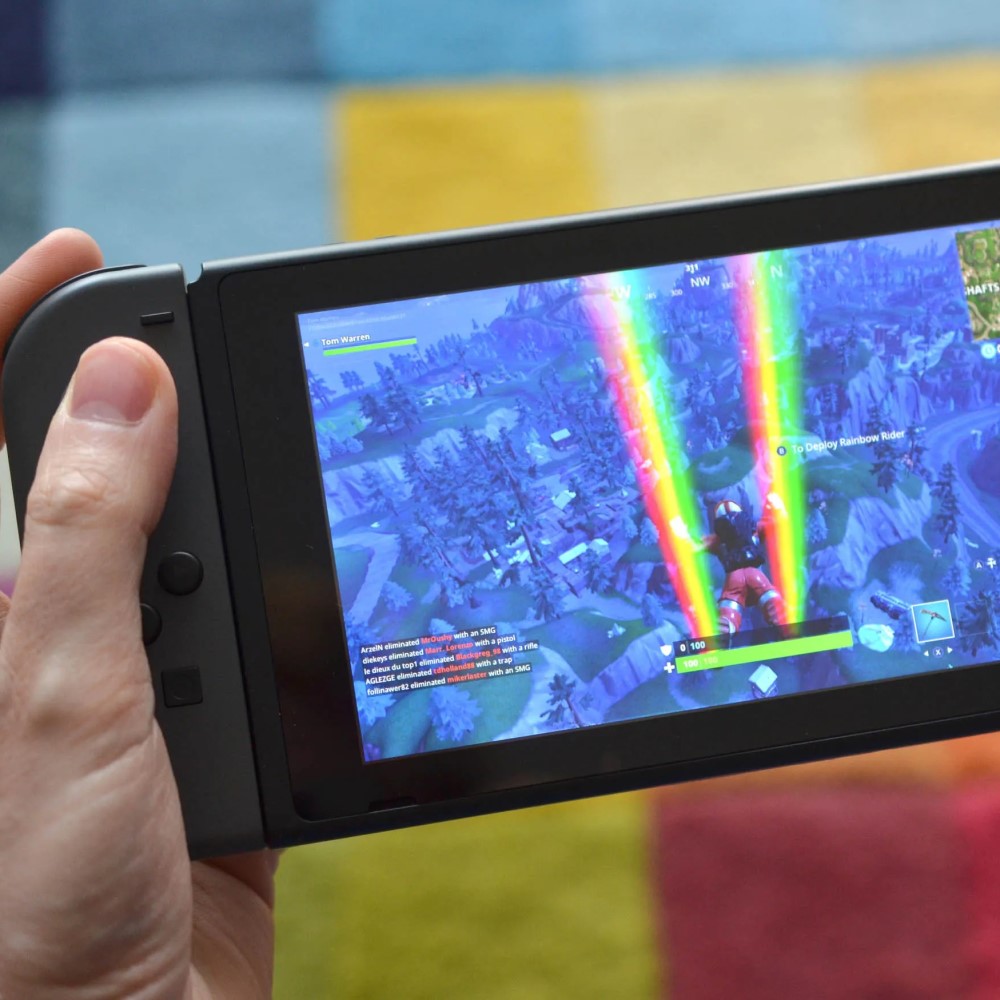
Yes, you can play Fortnite on Nintendo Switch. This popular battle royale game has been available on the console since 2018. It runs smoothly across all Switch models, including the original Switch, Switch Lite, and Switch OLED. Players enjoy full access to core modes like Battle Royale, Zero Build, and Creative. The experience is nearly identical to other platforms, with cross-platform support included.
Moreover, downloading and installing the game is simple. Users go to the Nintendo eShop, search for Fortnite, and start the free download. No additional purchase is required. After setup, players sign in with an Epic Games account or create one. Once logged in, they jump into matches quickly. Updates roll out regularly to match global versions. Therefore, staying current is automatic. As a result, asking “can you play Fortnite on Nintendo Switch” often leads to a fast yes. The system handles online multiplayer well. Many gamers appreciate its portability and responsive controls. Transitioning from couch to handheld mode adds flexibility. Hence, the Switch remains a strong choice for fans of the game.
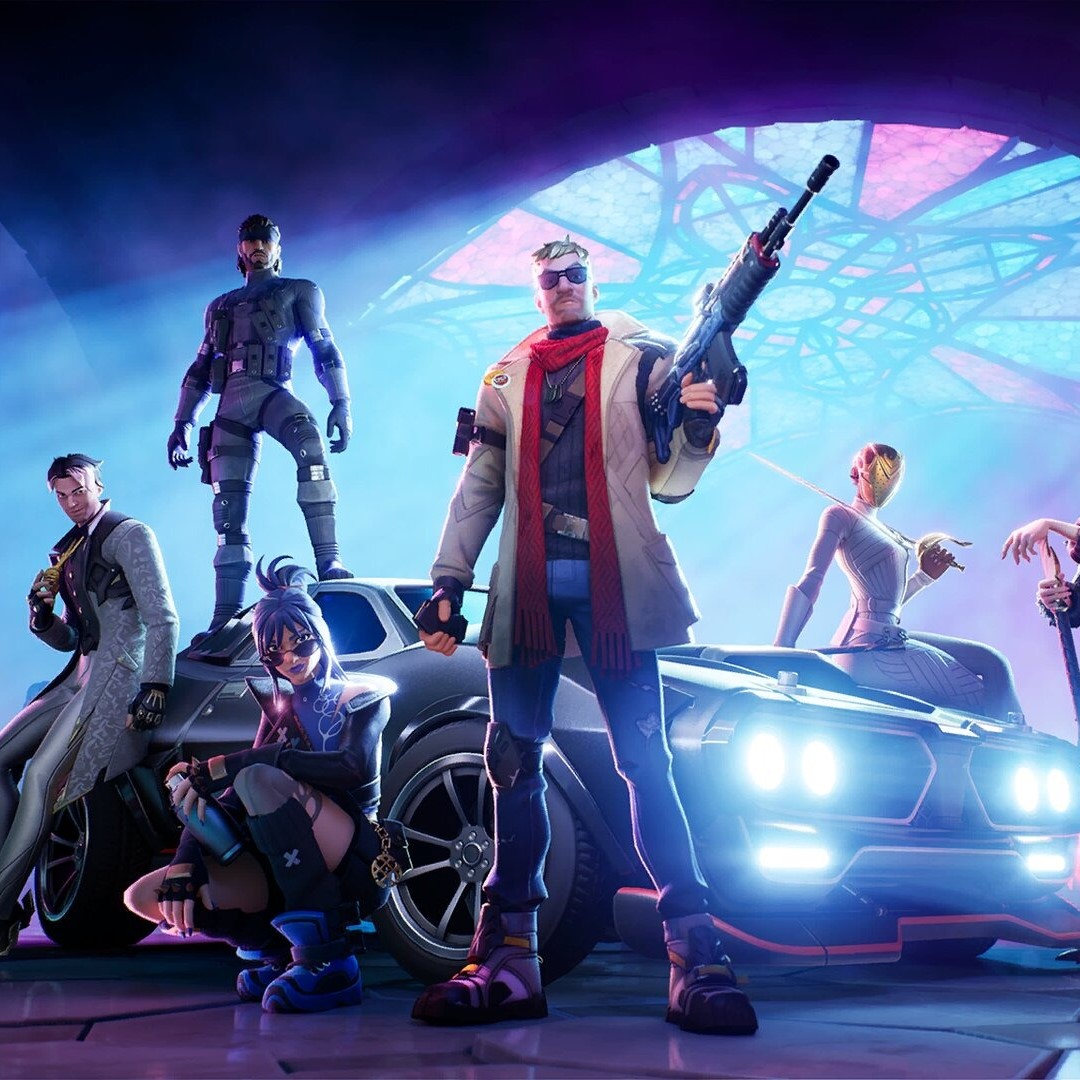 How to Download and Install Fortnite on Nintendo Switch
Step-by-Step Setup for New Players
Can you play fortnite on nintendo switch? Getting started with Fortnite on your Nintendo Switch begins in the eShop. First, power on your console and connect to Wi-Fi. Then, open the Nintendo eShop from the home screen. Use the search function to type “Fortnite.” The correct app appears near the top of results. Select it to view details.
Next, choose the download option. The file size is large, so ensure you have enough storage space. Most users need at least 20GB free. If necessary, delete unused games or add a microSD card. Once ready, press “Download” and wait. Depending on internet speed, this may take minutes or hours.
After installation, launch the game from the home menu. The first startup includes initial loading screens and updates. These ensure compatibility with the latest season. Follow the prompts to accept terms and configure settings. Audio, graphics, and control options appear early. Adjust them based on preference.
Then, sign in using an Epic Games account. Creating one takes just a few minutes. Provide basic info like email and password. Linking your account allows progress syncing across devices. You keep skins, V-Bucks, and stats no matter where you play. Without this, unlocks stay isolated.
Finally, select a gameplay mode. Battle Royale drops you into intense 100-player matches. Zero Build focuses on strategy without construction. Creative lets you design custom maps. Each offers unique fun. Now that everything is set up, you’re ready to play.
Game Modes Available on the Switch Version
Exploring Battle Royale, Zero Build, and Creative
The Nintendo Switch version of Fortnite supports all major game modes. Battle Royale remains the most popular. Up to 100 players drop onto an island. They scavenge weapons, build structures, and fight to be the last one standing. Matches last about 20 minutes. Fast action keeps players engaged.
In addition, Zero Build mode offers a different style of play. Building walls and ramps is disabled. This shifts focus to movement, cover usage, and sharp shooting. Skilled aim becomes more important. Many find this version easier to learn. It also reduces distractions during combat.
Creative mode opens endless possibilities. Players use tools to build their own islands. Design arenas, obstacle courses, or roleplay worlds. Invite friends to explore or test challenges. Some creators even mimic mini-games like parkour or hide-and-seek. This freedom encourages imagination and teamwork.
Furthermore, limited-time events appear regularly. Holiday themes, crossover skins, and special rules attract returning players. For example, snowball fights or vehicle-only zones change normal gameplay. These events usually run for days or weeks. Staying active ensures you don’t miss out.
Cross-progression works fully on Switch. Earn rewards on mobile, then use them here. Unlock a skin on PC? It shows up instantly. Your locker stays synced as long as you use the same Epic account. This feature increases replay value significantly.
Therefore, variety keeps the experience fresh. Whether you like fast duels or slow planning, there’s something for everyone. The Switch delivers every mode reliably. So yes, you can play Fortnite on Nintendo Switch with full content access.
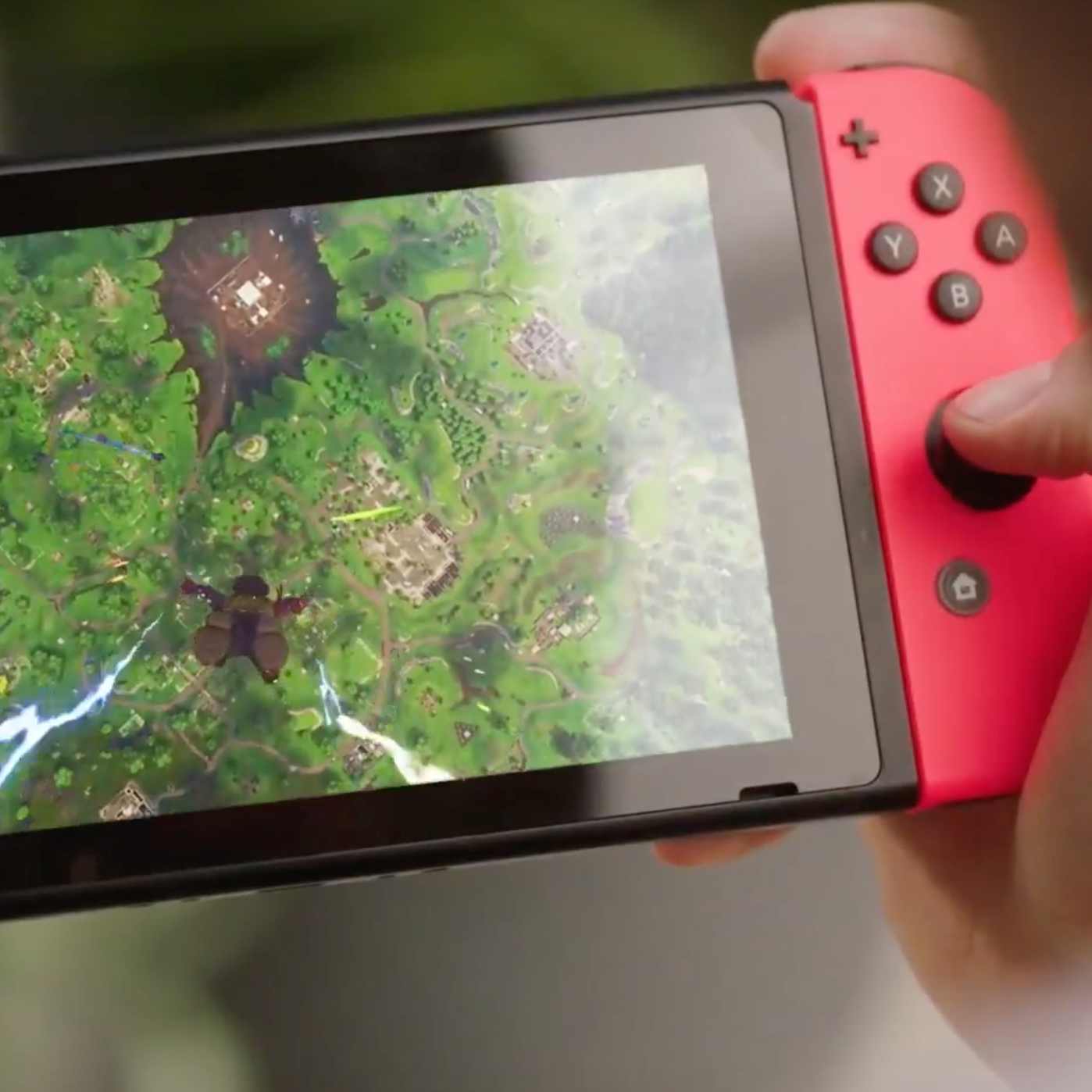 Cross-Platform Play: Connecting With Other Gamers
Compete Against Friends on Any Device
One of the biggest strengths of Fortnite on Nintendo Switch is cross-platform play. You can team up with friends who use PlayStation, Xbox, PC, or mobile. Everyone joins the same matches regardless of hardware. This expands the player pool and shortens queue times.
To enable it, link your Nintendo account to your Epic Games profile. Go to the official Epic website and follow the connection steps. Once linked, your friends list syncs across systems. Send invites directly from the game menu. Parties form quickly before dropping into matches.
Communication stays smooth through voice chat. Use compatible headsets plugged into the controller or docked audio. Push-to-talk settings help avoid background noise. Text chat also works for quieter environments. Coordinating strategies becomes easy when teams talk clearly.
However, input methods differ between platforms. Some players use controllers. Others rely on mouse and keyboard. This creates slight advantages in aiming precision. But Epic balances matchmaking by grouping similar input types together. Controller users face mostly other controllers. This keeps competition fair.
Also, progression carries over completely. Level up on Switch, unlock rewards on Android. Everything ties back to your Epic ID. Even limited-edition items remain accessible. There’s no penalty for switching devices.
As a result, playing Fortnite on Nintendo Switch feels inclusive. You’re never locked out because of your console. Instead, you join a massive global community. Matches fill faster. Fun increases. Social bonds grow stronger through shared battles.
Performance and Controls on Nintendo Switch
How Well the Game Runs Across Models
Fortnite performs well on all versions of the Nintendo Switch. The original model handles gameplay at a stable frame rate. Graphics appear crisp in both docked and handheld modes. Occasional dips happen during explosions or heavy effects. However, these don’t disrupt overall performance.
The Switch OLED improves visuals slightly. Its screen has better contrast and brightness. Colors pop more during sunny or nighttime matches. Internal specs are unchanged. So, processing power remains the same. Yet, the enhanced display makes scenes more immersive.
Switch Lite users should know it only supports handheld play. No TV output exists. But Fortnite runs perfectly fine on its smaller screen. Touch controls aren’t used. Instead, players rely on physical buttons and sticks. The layout adapts well to compact size.
Controls feel responsive and customizable. Aim sensitivity adjusts in settings. You can fine-tune turning speed for better accuracy. Button mapping lets you reassign actions. For example, move reload to a shoulder button. This helps tailor the experience to personal style.
Some players use external accessories. Attachable grips improve comfort during long sessions. Clip-on controllers offer extra triggers or joysticks. Headsets with built-in mics boost communication. All are optional but helpful.
Load times vary based on storage type. Internal memory loads faster than microSD cards. Still, most transitions take under ten seconds. Entering lobbies or respawning happens quickly. Waiting periods are minimal.
Therefore, technical performance meets expectations. The Switch delivers a solid Fortnite experience. Whether docked or portable, gameplay remains enjoyable. Yes, you can play Fortnite on Nintendo Switch without major issues.
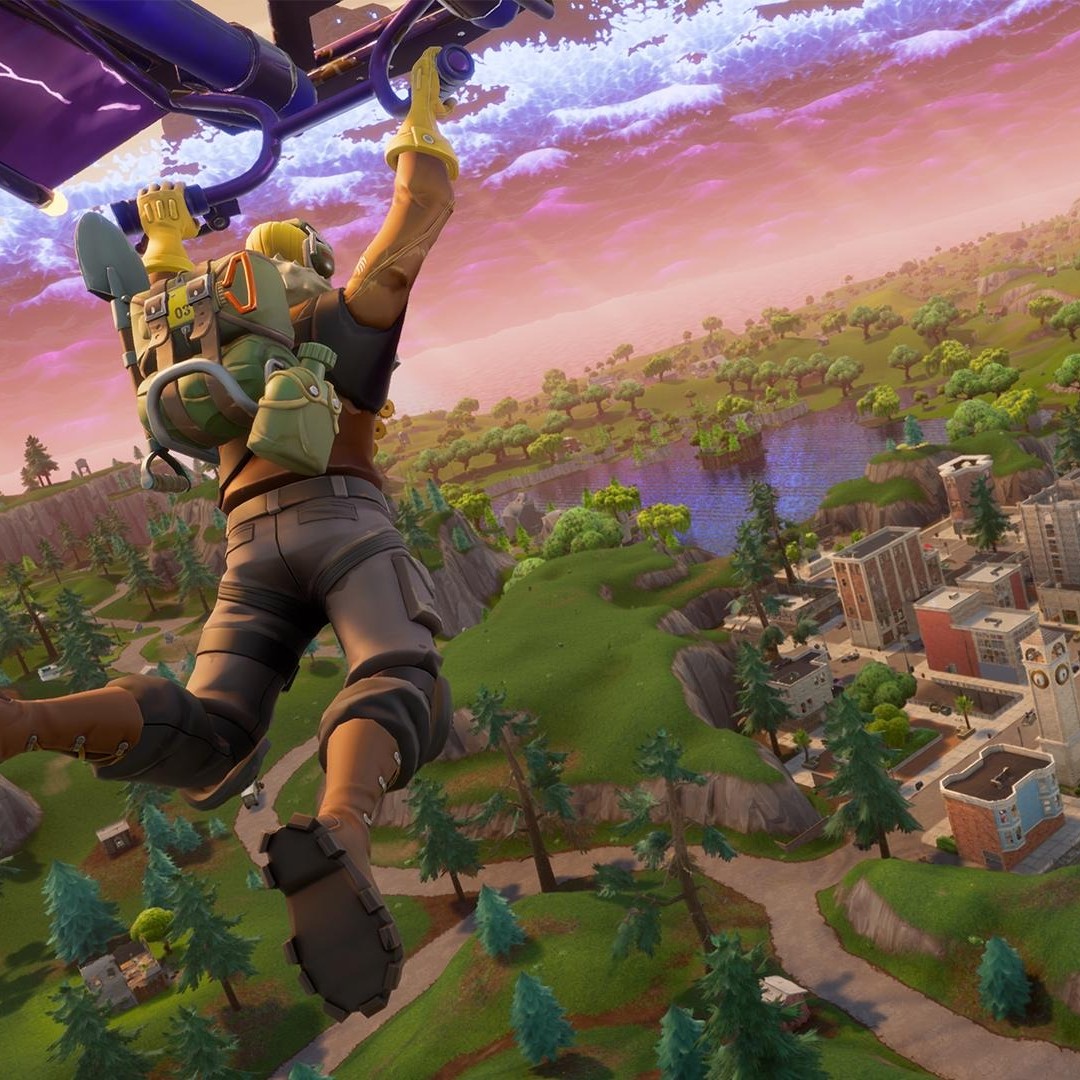 In-Game Purchases and Cosmetic Options
Customizing Your Character and Style
Fortnite offers many ways to personalize your look. All cosmetic items come from the in-game Item Shop. This rotates daily with new outfits, back blings, pickaxes, and emotes. Browse the selection anytime during gameplay.
Purchases require V-Bucks, the game’s currency. You earn some through challenges and passes. Alternatively, buy more with real money. Prices range from 1 20 per item. Bundles sometimes include multiple pieces at a discount.
Importantly, cosmetics do not affect gameplay. They are purely visual upgrades. No player gains strength or speed from rare skins. This keeps the field balanced. Everyone competes fairly based on skill.
The Battle Pass is another way to unlock rewards. Each season lasts about ten weeks. Complete tasks to level up and claim prizes. Early tiers give free items. Premium pass owners access exclusive ones. Cost is around $10 per season.
Many players collect crossover content. Characters from Marvel, Star Wars, and DC appear regularly. Iconic heroes and villains become playable avatars. Limited-time availability makes them desirable. Missing one means waiting for a possible rerun.
You can gift items to friends. Send skins or dances as surprises. Gifting uses V-Bucks and follows strict rules. Recipients must be on your friends list. This promotes positive interactions.
Thus, self-expression thrives in Fortnite. Outfits reflect personality and effort. On Switch, all these features work exactly like other platforms. Yes, you can play Fortnite on Nintendo Switch and still enjoy full customization.
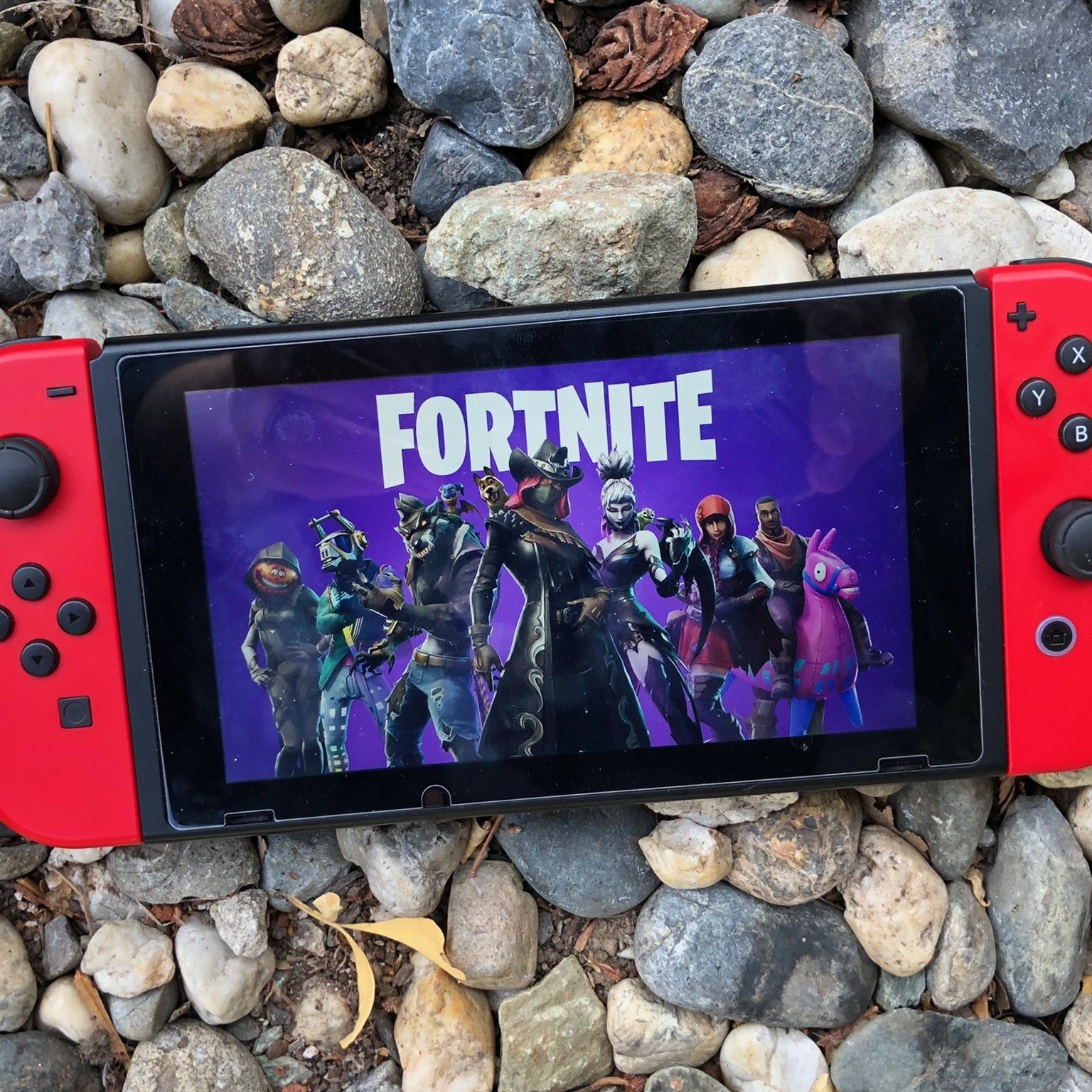 Parental Controls and Online Safety
Managing Screen Time and Privacy Settings
Parents often ask whether Fortnite is safe for kids on Nintendo Switch. The answer depends on settings and supervision. Fortunately, multiple tools help manage online exposure. These include parental controls on the console and within the game.
First, use the Nintendo Switch family group app. It allows remote management of playtime limits. Set daily or weekly caps. Schedule downtime for homework or sleep. Content restrictions block mature titles automatically.
Within Fortnite, adjust privacy options. Choose who can send friend requests. Limit messages to friends only. Disable voice chat if desired. These changes reduce unwanted contact. Younger players stay safer in public matches.
Also, consider enabling two-factor authentication. This secures the Epic Games account. Prevents unauthorized logins or purchases. Combine it with a strong password for maximum protection.
Supervise early gameplay sessions. Watch how your child interacts with others. Teach respectful behavior and reporting tools. If someone acts inappropriately, report them immediately. Epic reviews complaints and takes action.
Playing together builds trust. Join your child’s party occasionally. Share the experience while guiding decisions. It turns gaming into quality time.
Therefore, safety comes from awareness and preparation. The Switch supports responsible gaming habits. Parents maintain control while allowing fun. With proper settings, Fortnite becomes a positive activity.
Frequently Asked Questions About Fortnite on Switch
Common Concerns From Players and Parents
Is Fortnite free to play? Yes, it costs nothing to download and start. All core modes are included. Optional purchases exist for cosmetics and the Battle Pass. But gameplay remains fully accessible without spending.
Does it require a Nintendo Switch Online subscription? Only for online multiplayer. Solo modes work offline. However, most players want to compete. Therefore, a membership is recommended.
Can I transfer my progress from another device? Yes, if you use an Epic Games account. Log in on Switch, and your inventory syncs automatically. Skins, levels, and V-Bucks carry over.
Is motion control supported? No, Fortnite does not use gyro aiming on Switch. All aiming relies on thumbsticks. Some players prefer this for consistency.
How often does the game update? Usually every two weeks. Major patches align with season changes. Smaller fixes address bugs or balance issues. Automatic downloads save time.
Will future seasons be available? Yes, Epic continues full support. New content arrives regularly. Events, storylines, and collaborations keep excitement high.
These answers clarify common doubts. Knowledge leads to better experiences. Now you know exactly what to expect.
 Conclusion: Is It Worth Playing Fortnite on Nintendo Switch?
Can you play fortnite on nintendo switch? Yes, you can play Fortnite on Nintendo Switch—and it’s a great experience. The console delivers full functionality, smooth performance, and complete mode access. Portability sets it apart from other systems. Play at home or on the go without losing progress.
Additionally, cross-play and cross-progression enhance connectivity. Team up with friends across platforms. Keep your unlocks synced everywhere. The game evolves constantly with new content. Seasons, events, and crossovers bring fresh excitement.
Controls respond well. Visuals remain sharp. Load times are acceptable. While not as powerful as PC or next-gen consoles, the Switch holds its own. It offers the complete package in a compact form.
Parents can manage usage safely. Kids enjoy creative freedom within controlled boundaries. Customization options inspire self-expression. Progression feels rewarding.
Ultimately, the question isn’t just whether you can play Fortnite on Nintendo Switch. It’s about how much fun you’ll have doing it. With reliable performance, social features, and constant updates, the answer is clear. This platform supports the game fully. Grab your Switch, download Fortnite, and dive into the action today.